
Sell MacBook Air
Selling your MacBook Air doesn’t have to be stressful. At webuybackelectronics, turn your MacBook Air into fast cash with no risks, no hidden fees or long waits. Whether your MacBook is brand new, gently used or broken, we guarantee a fair market offer, free shipping and instant payment. Simple, secure and trusted by thousands, trade in your MacBook Air today.
Interested in Selling Your MacBook Air?

1, 2, 3 — Sell MacBook Air For Cash!
Select Your MacBook Air Model
Select your MacBook model below to get the best cash offer instantly. Quick, secure, and hassle-free selling.
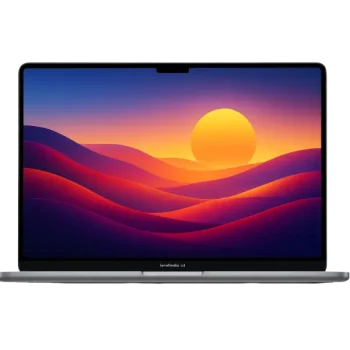
MacBook Air M2 15-inch
(2024)
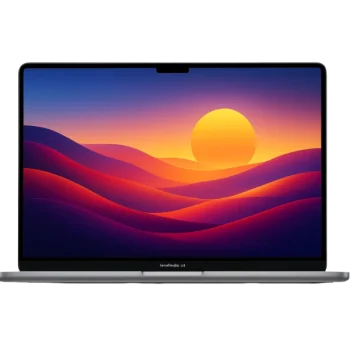
Macbook Air M3 13-inch
(2024)

MacBook Air 13-inch
(2010)
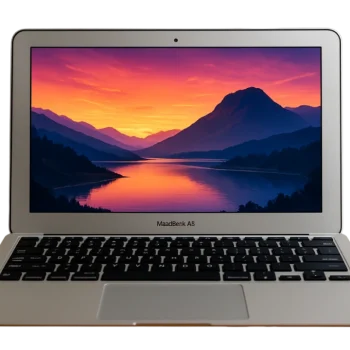
MacBook Air 11-inch
2010-2015

MacBook Air Retina 13-inch
(2018)
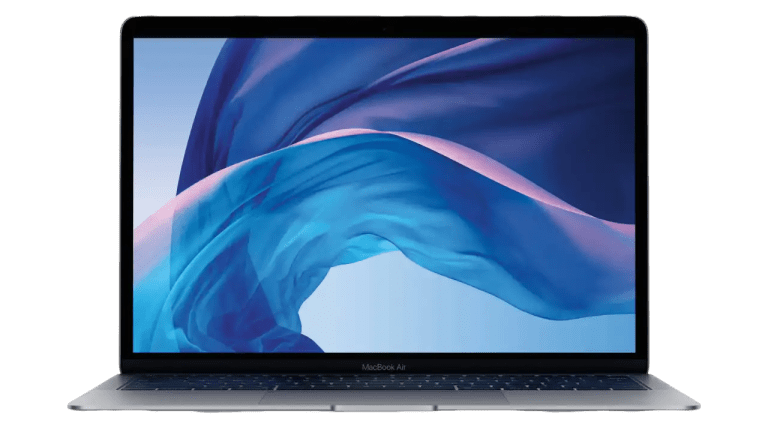
MacBook Air Retina 13-inch
(2019)
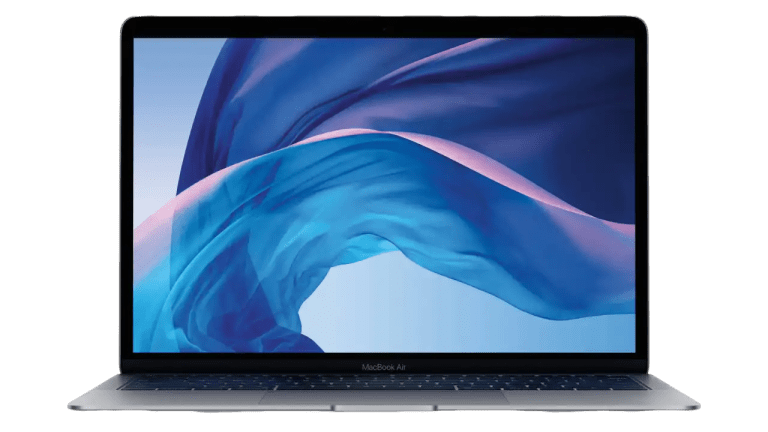
MacBook Air Intel i5 13-inch
(2020)

Used MacBook Air M1 13-inch
(2020)

MacBook Air M4 13-inch
(2025)

MacBook Air M4 15-inch
(2025)
Why Choose WeBuyBackElectronics to Trade in?
Best Prices Guaranteed
Skip the tricks and fees. We offer a transparent, upfront quote right away. Just tell us about your device , no delays, no fine print.
Hassle-Free Selling Experience
Enjoy a smooth, simple process, free shipping, instant quotes, and fast payments with no hidden fees. Selling your device has never been this easy!
Trusted by Thousands of Sellers
Join thousands of satisfied sellers who count on us for fair pricing, fast payments, and a secure selling process.
Sell MacBook Air Online : Trusted by Thousands
Frequently Asked Questions
How to sell Broken MacBook Air online?
You can easily sell your broken MacBook Air online with WeBuyBackElectronics. Just enter your model and condition to get an instant quote, then ship it for free by using our prepaid shipping label. Once we inspect your device ,you’ll receive same-day payment without delays. Whether your MacBook Air has a cracked screen, battery problems or won’t power on, We’ll still buy it. It’s the fastest, safest, and most convenient way to turn your broken MacBook Air into cash.
How to clear MacBook Air to sell?
To prepare your MacBook Air for sale, you should reset it to factory settings using the Erase All Content and Settings feature. Go to the Apple menu > System Settings (or System Preferences) > General > Transfer or Reset > Erase All Content and Settings. Follow the prompts, enter your administrator password and sign out of your Apple ID and Find My. Your Mac will restart and once the welcome window appears, it’s fully cleared and ready for the new owner.Vist this Apple website if your are wondering what to do before trading in the Macbook for more details.
How to wipe a MacBook Air to sell?
To wipe your MacBook Air before selling, go to System Settings > Erase All Content and Settings (for macOS Monterey or later) or use Disk Utility in macOS Recovery to remove the drive. This removes all personal data to ensure a completely clean device.For more details click here to see the video guideline
Where to sell damaged MacBook Air?
Popular places like eBay, Swappa, Facebook Marketplace, Craigslist, Amazon, Apple Trade-In, and webuybackelectronics are the best websites to sell demaged MacBooks online . Each offers different benefits like fast payouts, wide reach, or local convenience. For hassle-free service Webuybackelectronics and trade-in programs are great options. Choose based on speed, safety and how much effort you want to invest.
What should I do with an old MacBook Air?
You can donate it, recycle it responsibly, trade it in for credit, sell it online or use it as a backup device. Before anything, back up your data and erase personal information to keep your details safe. Choose the option that fits your needs and helps reduce electronic waste.
What is the Best Way to Sell Used MacBook Air?
The best way to sell a used MacBook Air depends on your priority. For the most money sell it yourself on platforms like Swappa or eBay, which requires more effort. For the fastest and easiest sale, use a dedicated buyback service like WeBuyBackelectronics, Gazelle or Back Market, accepting a slightly lower offer for convenience and security. Alternatively, the Apple Trade In program offers credit towards a new purchase, providing the most seamless, official process after you’ve thoroughly backed up your data and performed a factory reset.
How to Prepare Your MacBook for Sale?
When you wanna decide to get cash for a MacBook Air or a MacBook Pro. First, back up your essential data with Time Machine or use another backup solution to get rid of the fear of losing any important file. Once you’ve done, sign out of your Apple ID and disconnect any Bluetooth devices paired to your Mac. This initiative gives you privacy protection and often allows the buyer to set up the device according to their mood.
Secondly, you should access the location helper to erase your Apple and restore it to its baseline condition. This is a safe method that often ensures that all your data is removed. If you’re ready to sell an Intel-based Mac, make sure to check its security features before going ahead. Whether your Mac is brand new or old, just visit WeBuyBackElectronics, and get top dollar for your device. Without the struggle of worrying about the process, you can send it off. We also provide a return shipping option with a tracking number. For more informational tips to sell MacBook visit our blog .
Do I Need to Erase My Mac Before Selling?
It is essential to erase it for your protection before selling your MacBook. Effectively, resets it to factory settings, deleting all applications, data and personal accounts that are linked with your Apple ID, enhancing its appeal. Before this action, you should keep back of all important files you might need.
After that, use the macOS Disk Utility, which allows you to quickly clean your MacBook for the best cost. When you’re confident, your data is secured while enhancing your MacBook more marketable and profitable to strong prospective customers.
What Are the Top Sites to Sell Your Used Mac?
The search for websites and the best place for the MacBook Air requires you to check platforms that focus on Apple product sales. Webuybackelectronics provides excellent cash offers, quick and easy selling procedures. This platform has gained a solid reputation for offering high prices for Apple devices.
Facebook Marketplace, alongside Craigslist, offers great buying opportunities for cash transactions when you want to sell used MacBooks in your local area. To attract potential buyers on these platforms, you must supply both detailed product descriptions and high-resolution images of your MacBook. The combination of these top sites will help you discover superior offers on your used MacBook.
How much can I get for my MacBook Air?
The price depends on your MacBook Air’s model, storage and condition. At webuybackelectronics, we pay some of the highest rates in the market from fully working devices to broken laptops. Enter your details to get an instant cash offer.
Do I have to pay for shipping?
No – shipping is 100% free. We’ll provide a prepaid label so you can send your MacBook Air at no cost.
Home » MacBook Air